More businesses are adding crypto as a payment option. Stablecoins like USDT are now among the most transferred assets on public blockchains, and customers who hold crypto increasingly expect to spend it. For merchants, crypto payments mean no chargebacks, global reach without cross-border fees, and settlement that doesn't depend on banking hours.
But the way most crypto payment processors work introduces a familiar problem: custody.
The custody problem
Most crypto payment processors follow the same model as traditional payment gateways. Your customer sends crypto to the processor's wallet. The processor holds the funds in an omnibus account, confirms the payment, and eventually settles to your payout address, minus their cut.
This works, but it comes with trade-offs:
- Counterparty risk. The processor holds your money. If they get hacked, freeze your account, or go insolvent, your funds are at risk. The collapse of several major crypto custodians in recent years made this more than theoretical.
- KYC requirements. Because the processor handles your funds, they typically require identity verification before you can withdraw. This adds friction and may not be practical for every jurisdiction.
- Settlement delays. Funds sit with the processor until it pays out, on its schedule. On-chain, the payment confirms in minutes; any delay after that is operational.
- Percentage-based fees. Most custodial processors charge 0.5–1% per transaction. On high-value payments, this adds up quickly.
How non-custodial payments work
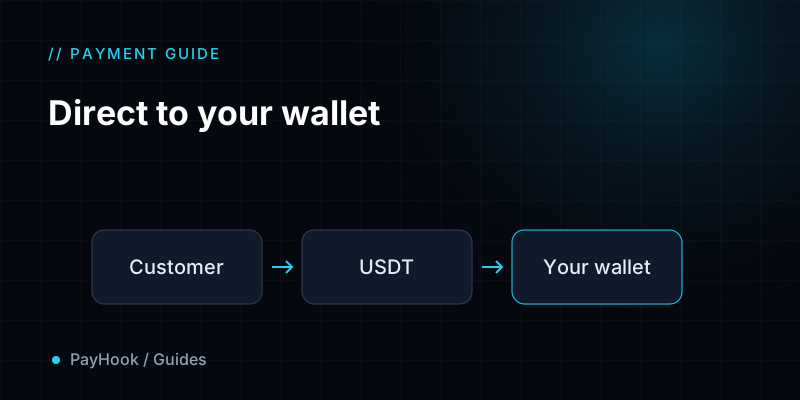
A non-custodial payment processor takes a fundamentally different approach. Instead of routing funds through their own wallet, the processor directs customers to pay your wallet address directly.
Here's what that looks like in practice:
- You register the wallet addresses you control with the payment processor.
- When a customer initiates a payment, the processor assigns one of your addresses as the deposit target.
- The customer sends crypto directly to your address from any wallet they choose.
- The processor monitors the blockchain and watches for the incoming transfer.
- Once the transaction reaches enough confirmations, the processor sends a signed webhook notification to your server.
- Your server verifies the signature and fulfills the order.
The key difference: the processor never touches your funds. There's no omnibus account, no settlement step, no withdrawal process. The crypto lands in your wallet the moment the transaction confirms on-chain.
Getting started with PayHook
PayHook is a non-custodial crypto payment processor that supports BSC, TRON and Ethereum. Here's a quick overview of the setup:
1. Sign up. Create an account at app.payhook.app. No KYC, no card on file. Create a site and you get its API key straight away.
2. Add your wallet addresses. In the dashboard, paste the public addresses you control. PayHook draws from these when assigning deposit addresses to payments. Add at least five per chain if you expect concurrent orders, because each pending payment locks one address until it confirms or expires.
3. Configure a webhook. Point a URL on your server at PayHook. When a payment confirms, PayHook POSTs a signed JSON body to your endpoint. You verify the HMAC-SHA256 signature and fulfill the order.
4. Create your first payment. One API call returns a hosted checkout URL your customer can pay through:
curl -X POST https://api.payhook.app/api/v1/payments/ \
  -H "X-API-Key: pk_..." \
  -H "Content-Type: application/json" \
  -d '{
    "amount_usd_cents": 5000,
    "network": "bsc",
    "currency": "usdt",
    "external_order_id": "order-123"
  }'
The response includes a checkout_url you redirect your customer to. They see a hosted page with a QR code, the deposit address, and a countdown timer. When the payment confirms on-chain, your webhook fires.
What you need to know
- Developer required. A developer needs to wire up the API call and webhook handler on your server. This typically takes about 30 minutes. Once integrated, you monitor everything from the dashboard without touching code.
- Free to start. 50 free payments every 30 days. No card required. After that, prepaid packs in USDT from 9 USDT for 5,000 payments, and payments never expire. See pricing.
- Three chains supported. BSC (BEP-20), TRON (TRC-20), and Ethereum (ERC-20). USDT on each chain.
- Signed webhooks. Every webhook delivery carries an HMAC-SHA256 signature. Failed deliveries retry automatically on an exponential schedule. You can replay any delivery from the dashboard.
For the full API reference, request and response schemas, webhook signature verification in five languages, and billing behavior, see the documentation.
Related: Accept USDT Payments in 30 Minutes · Non-Custodial vs Custodial Crypto Payment Gateways
Start accepting crypto today.
50 free payments every 30 days. No card required.